


Island living
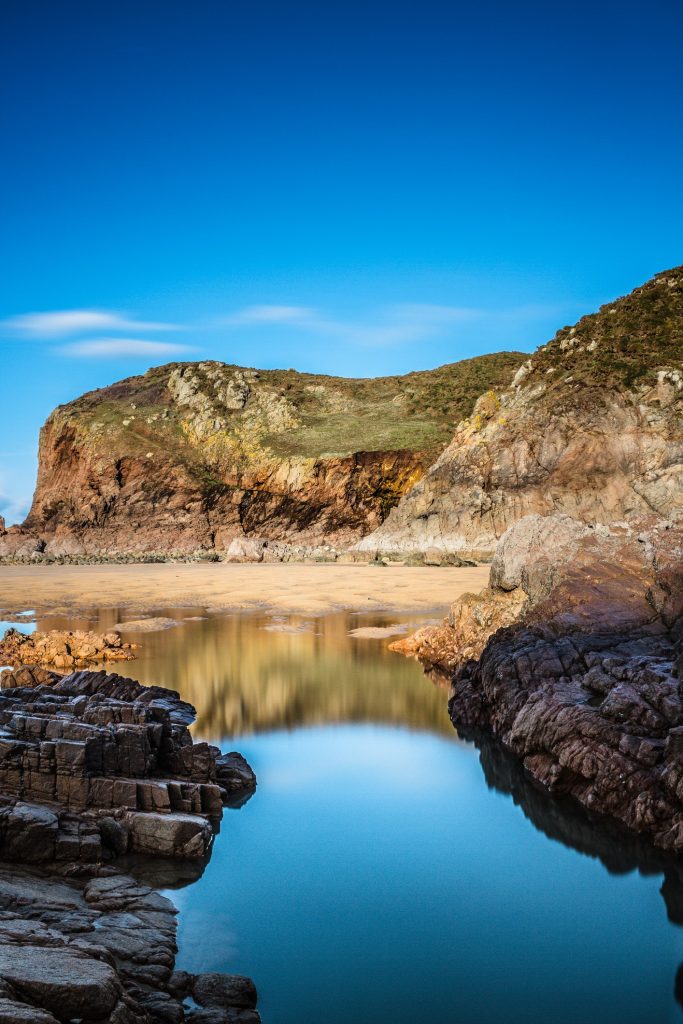
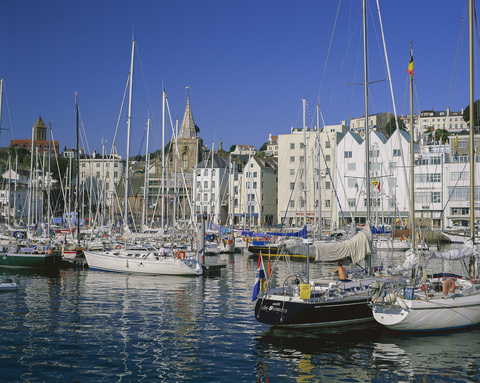
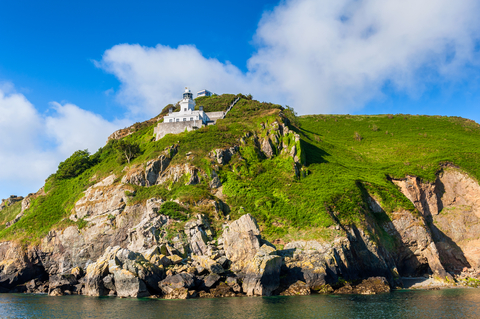
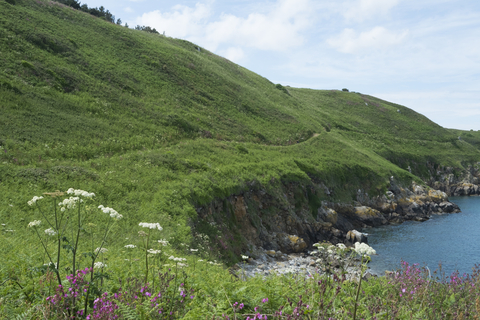
When you hear someone mention island living, the image that most often comes to mind is white beaches, palm trees, sunshine, and deep blue seas. For some, this seems like an idyllic life in a tropical island paradise. For others of us, however, our island paradise is a little different, but no less beautiful, in its own way.
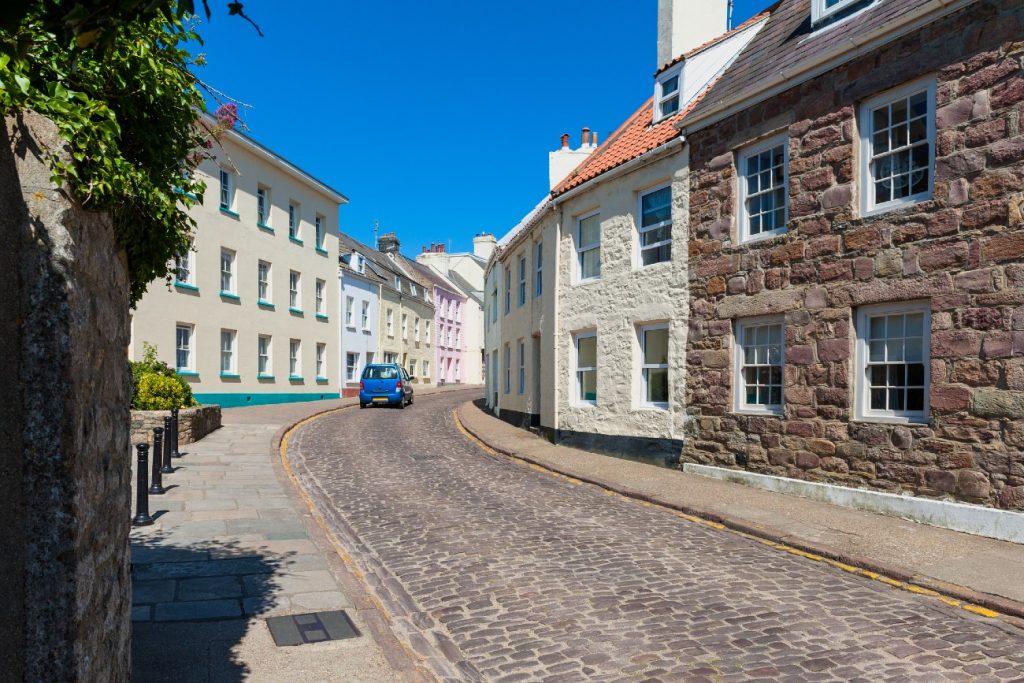
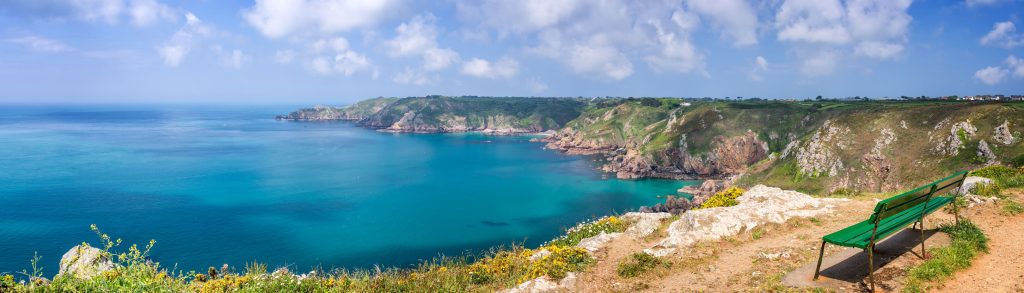
Life in the Channel Islands may not seem like paradise to some, but for the rest of us, it is home. The main differences about the Channel Islands are the lack of palm trees and the tropical climate!
What’s stopping you!
Just book a trip and treat yourself with an unforgettable experience.


Practical





Get monthly access to our best tips, recommendations and news related to the Channel Islands and remote work.
Latest on the blog
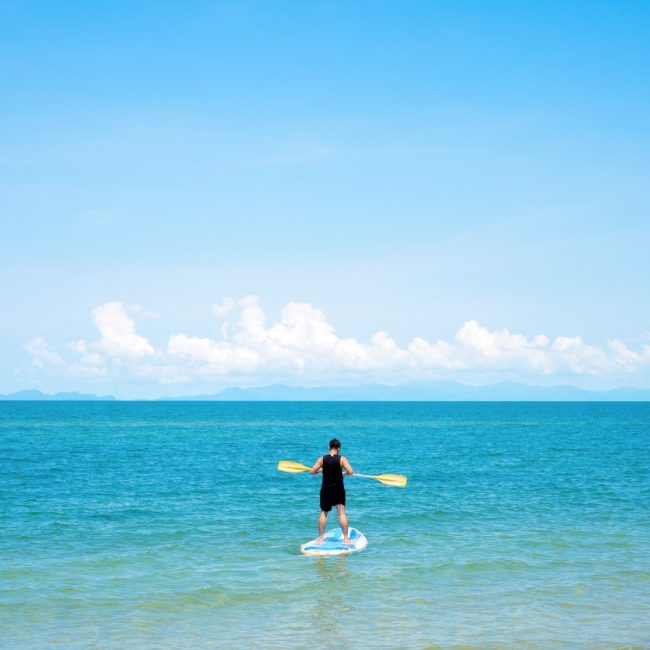
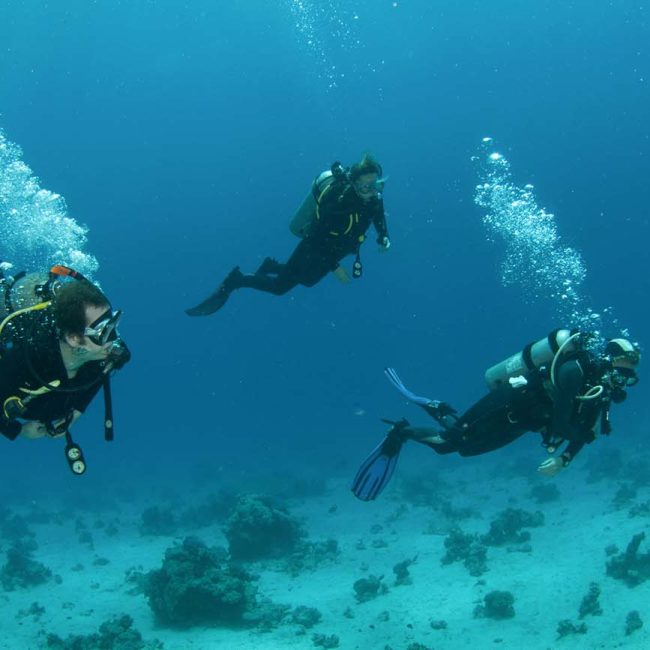


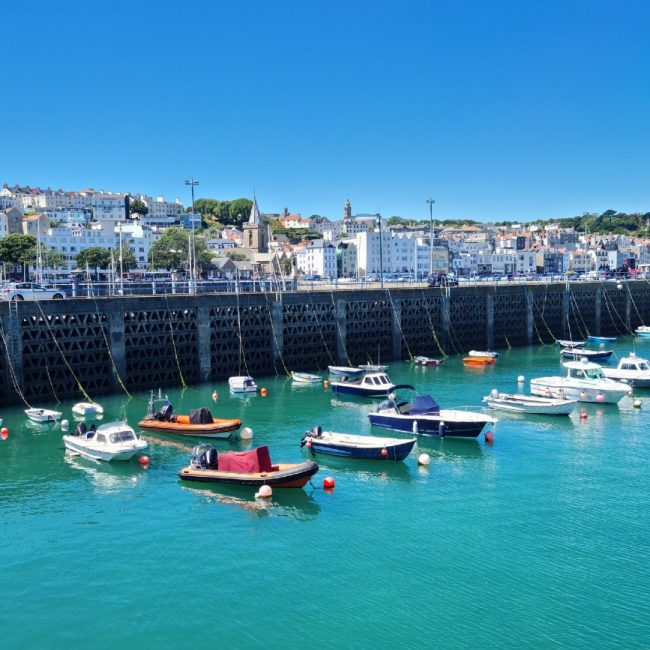
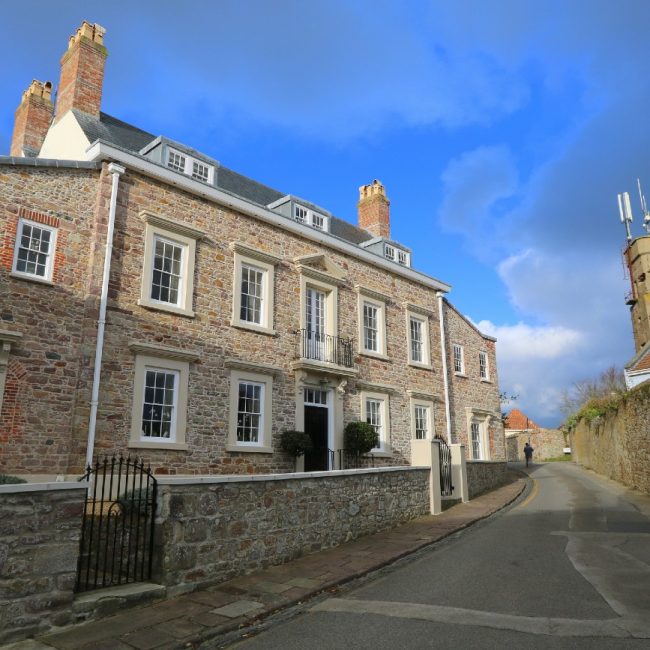
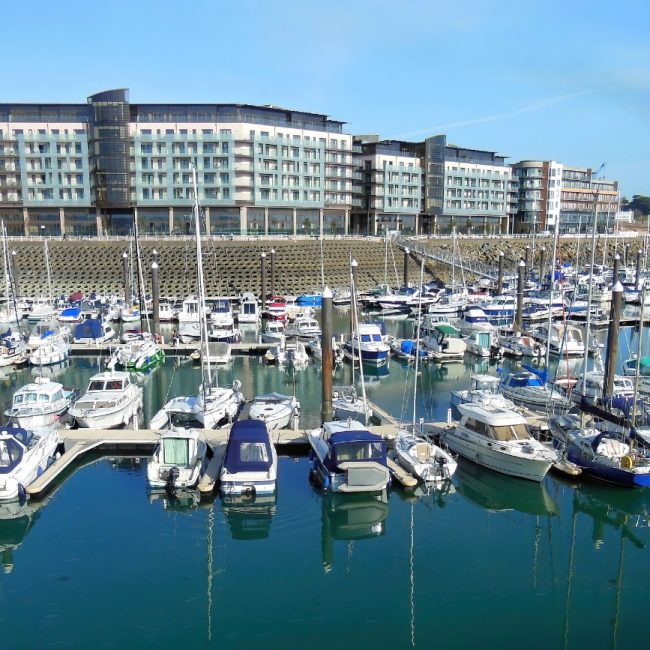
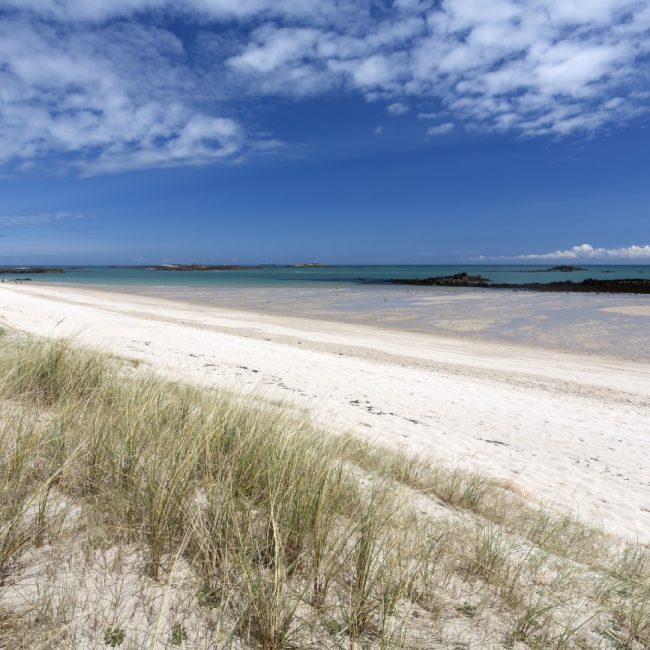
FOLLOW US ON INSTAGRAM
Tag your Channel Island photos #virtualbunch to get featured on our community feed.

-
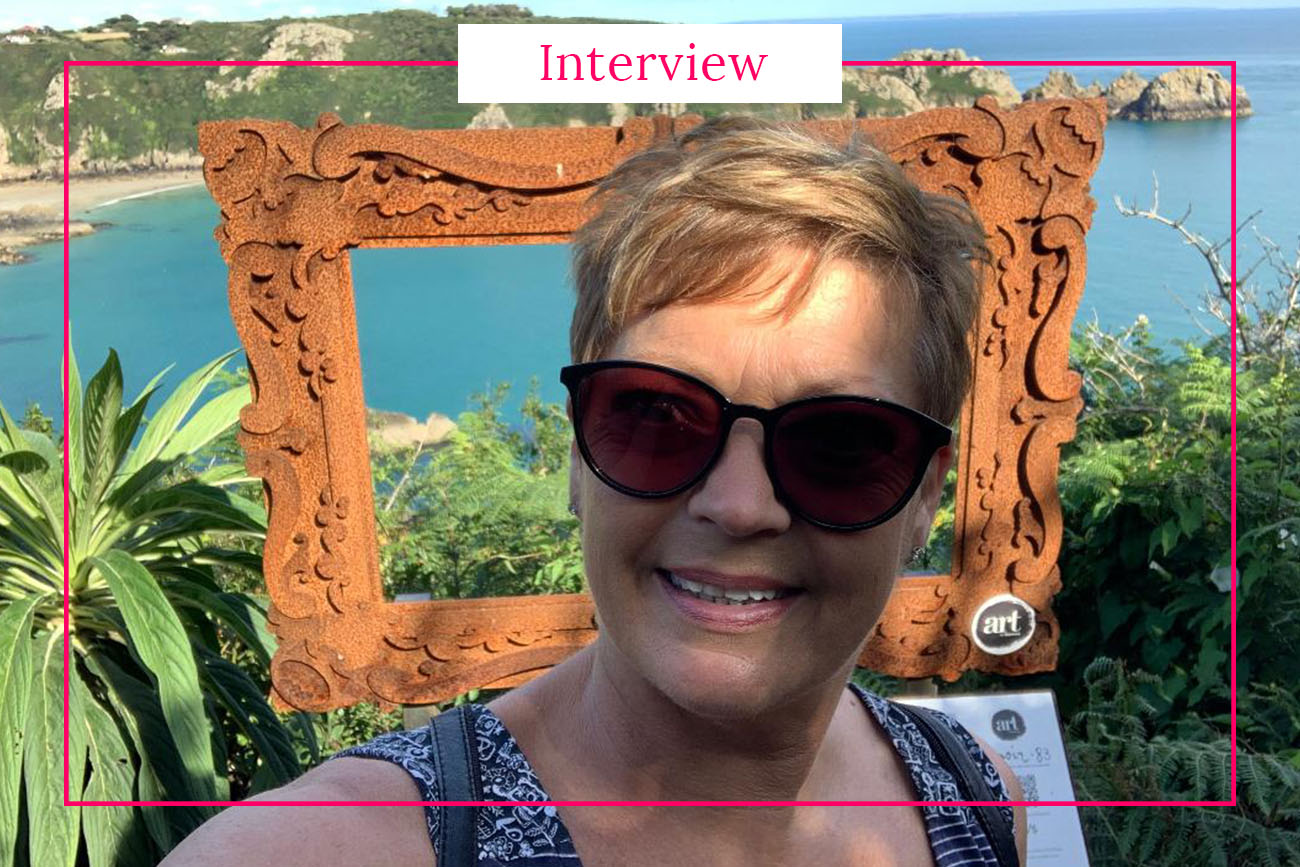
Interview with Jackie Ward – Tour Guide and Civil Celebrant from Guernsey
Jackie is Guernsey born and describe the Channel Islands as Paradise. The Islands are all different, all special. Clean, safe and friendly.

-
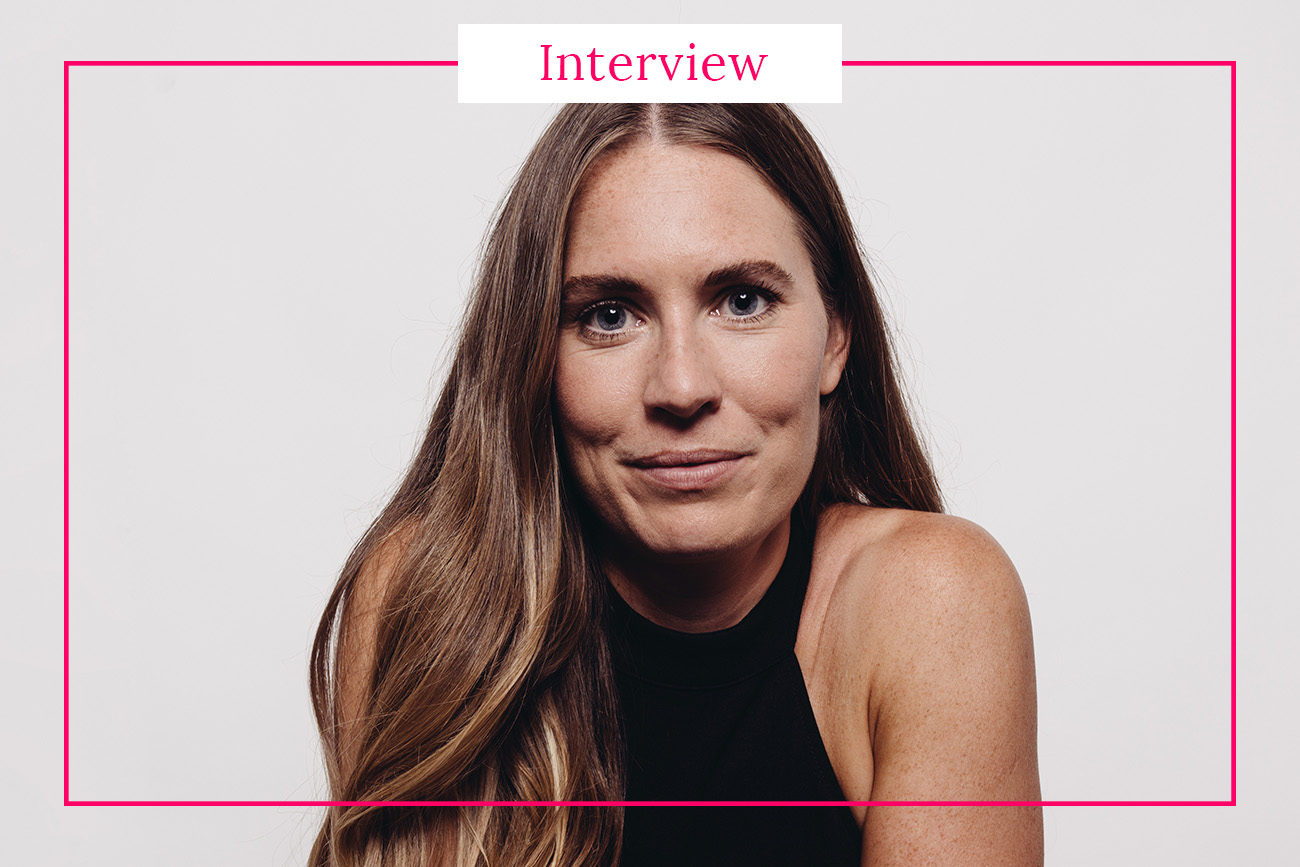
Interview with Becky Sheeran – Founder of influencer marketing agency in Jersey
Becky is a former BBC presenter, influencer and blogger who moved to Jersey to start an influencer marketing agency. What does she like about Jersey?
-
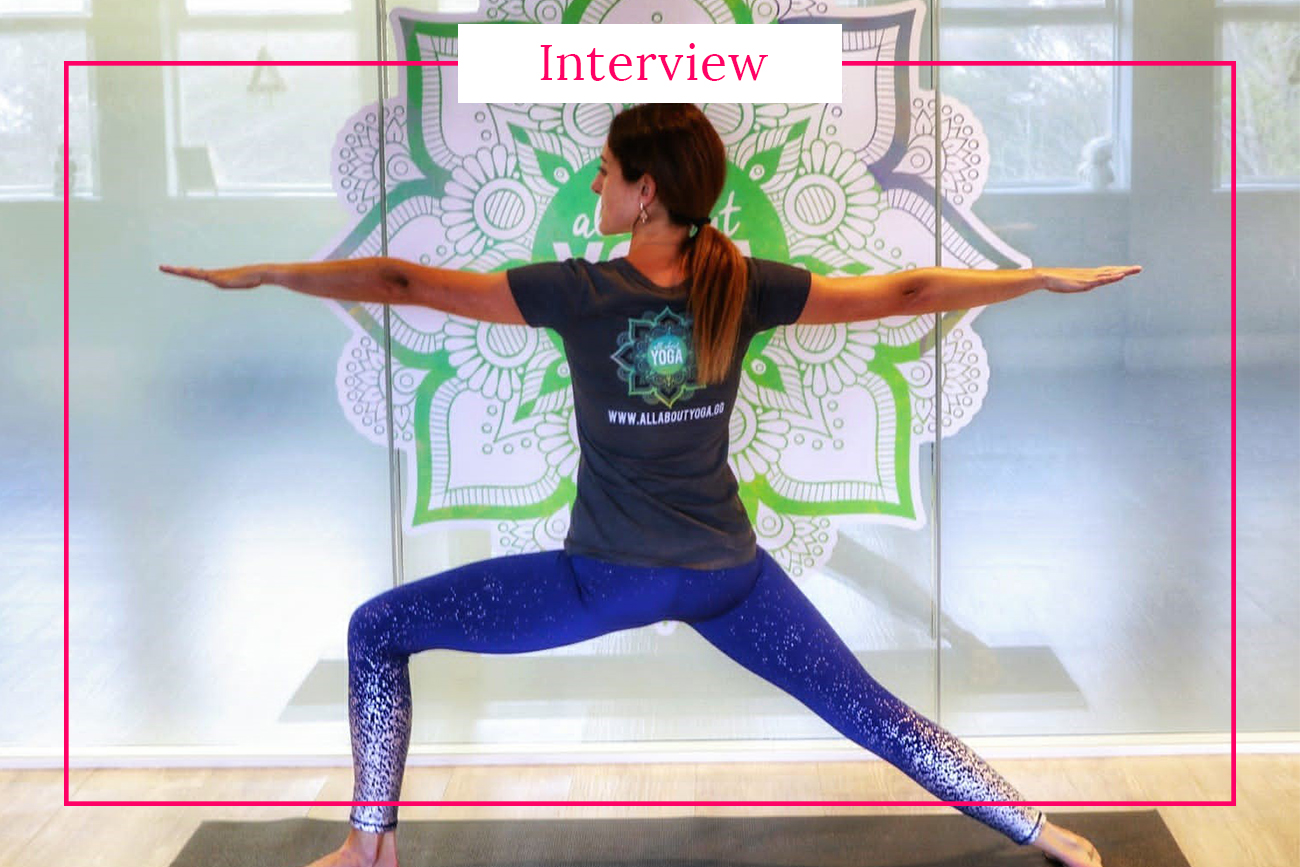
Interview with Megan Cluett – yoga studio owner from Guernsey
Megan is Guernsey born and bred and absolutely loves living on the island. She had a brief stint off-island for university but really did not enjoy living away from her family
-
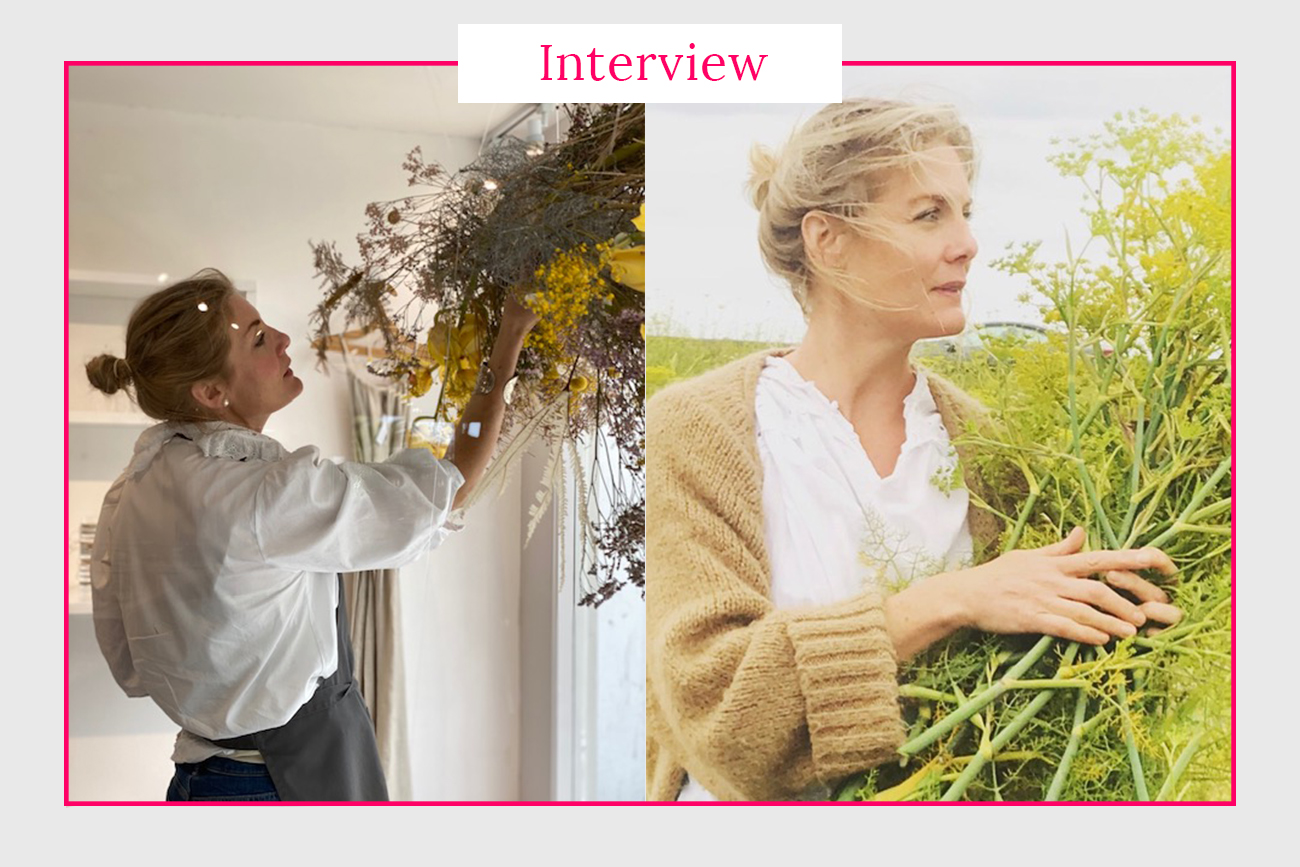
Interview with Claire Galliott – Owner of Simply Bespoke in Guernsey
In today's interview, we reached out to Claire Galliott who lives in Guernsey and runs a floristry & styling company called Simply Bespoke that offers a bespoke floral services from bouquets
-
Interview with Madvi – Founder of Soava Boutique
In this interview we asked Madvi Harchad, founder of Soava Boutique, a few questions about her business and life in Guernsey. Madvi is a Malagasy woman living in the Channel Islands
-
Interview with Rujuta Sahani – Food Photographer living in Jersey
In this interview we asked Rujuta Sahani a few questions about her journey to become a food photographer and about her favourite spots in Jersey.
-
Interview with Paul Mariess – Professional photographer from Guernsey
In this interview we asked Paul Mariess a few questions about his profession as well as about the best places to see in Guernsey. Paul is a born and bred Guernseyman
-
Interview with Anett Tarcsay – Wedding planner from Guernsey
In today's interview, we talked to Anett who comes from Budapest but has been living on Guernsey since 2019 with her partner who is a local. She is the person behind

-
Interview with Rosanne Guille – Professional artist from Sark
Rosanne Guille, or Rosie as most people call her, is a full time professional artist. She grew up on the magical, tiny, car-free island of Sark and has two teenage children
-
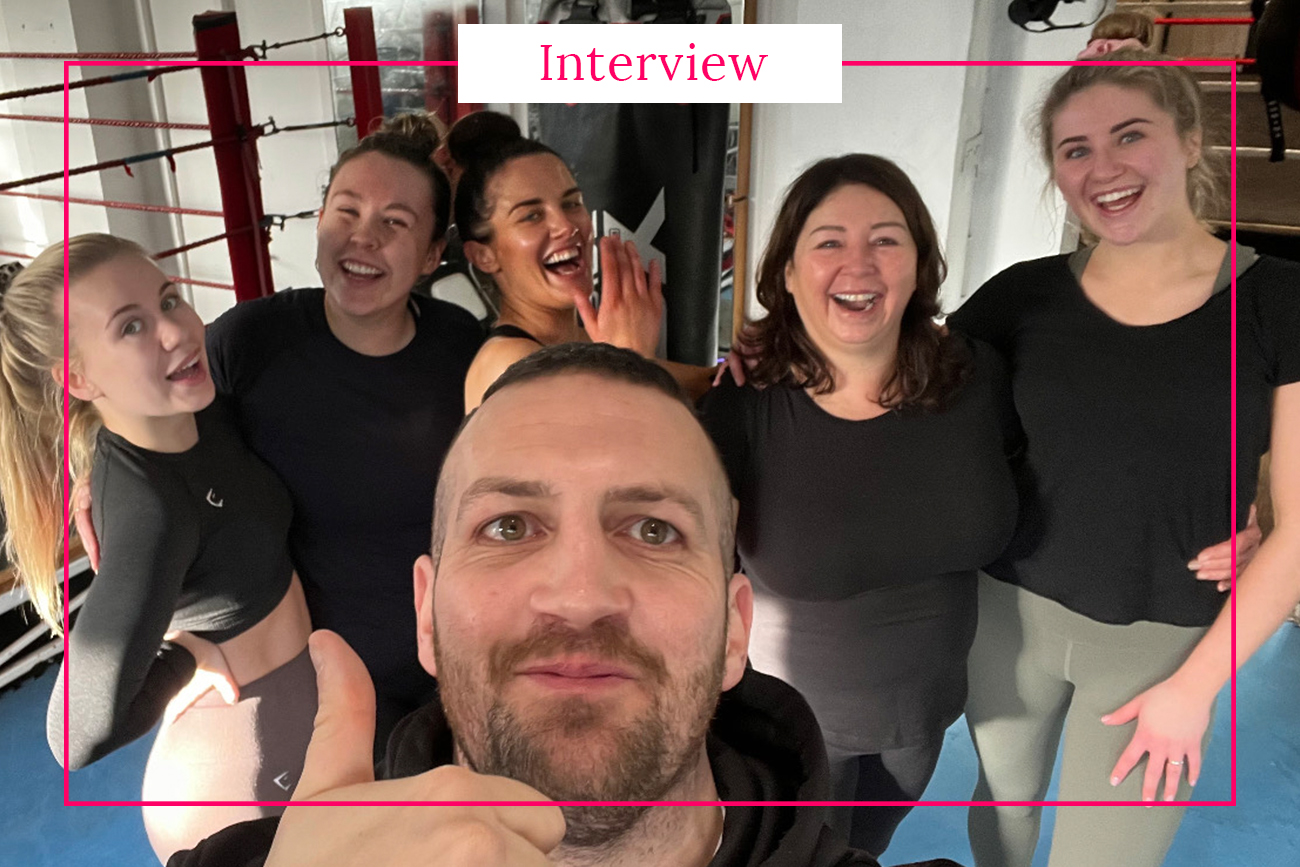
Interview with Jimmy Lesbirel – Personal boxing trainer and owner of JackalBoxfit
Jimmy is a Guernsey local and a self employed boxing personal trainer owning JackalBoxfit. In his spare time he loves to go to CrossFit, yoga, and the gym. He is an
-
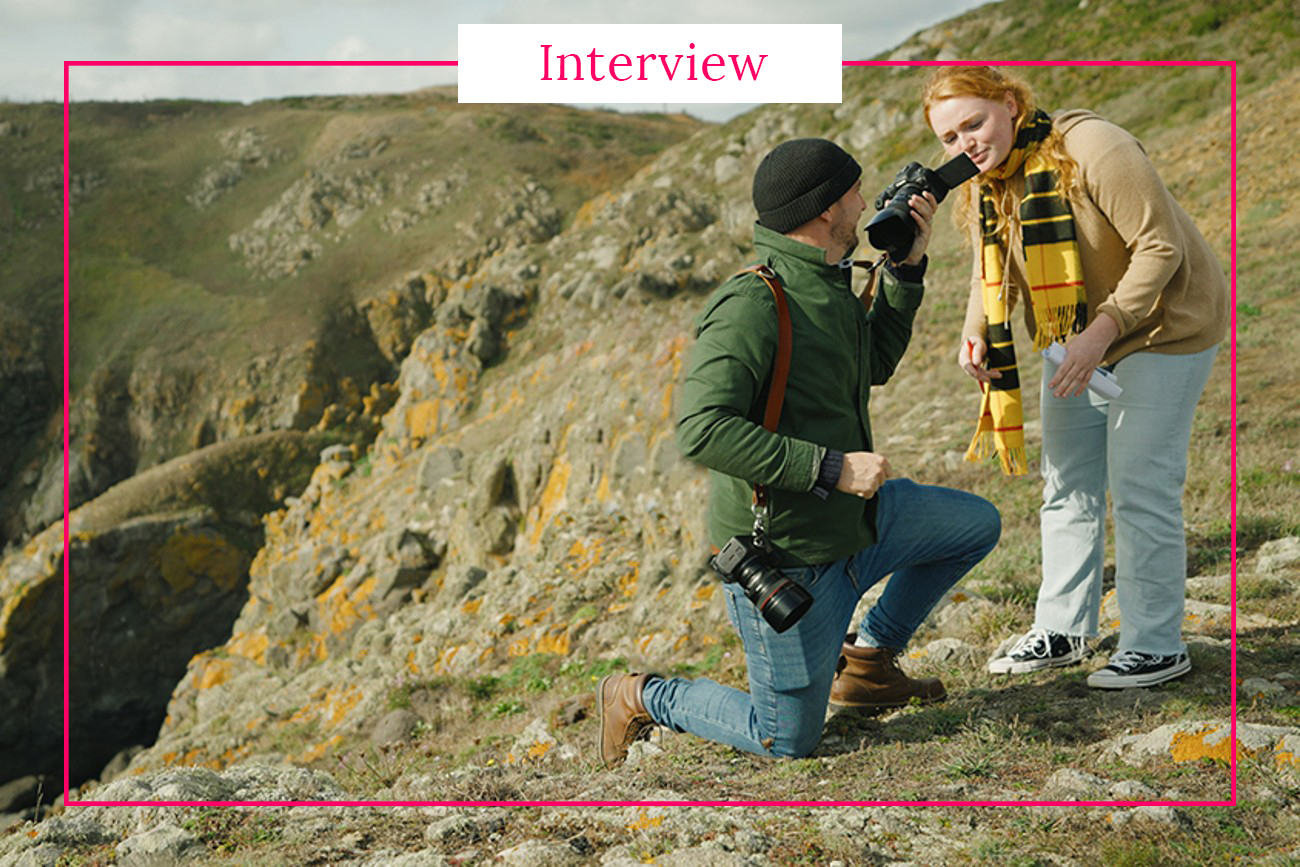
Interview with Etienne Laine – Portrait and lifestyle photographer from Guernsey
Etienne Laine has been a self-employed photographer for the past eleven years. He works with a variety of clients ranging from small startups, large agencies and private clients in print and
-
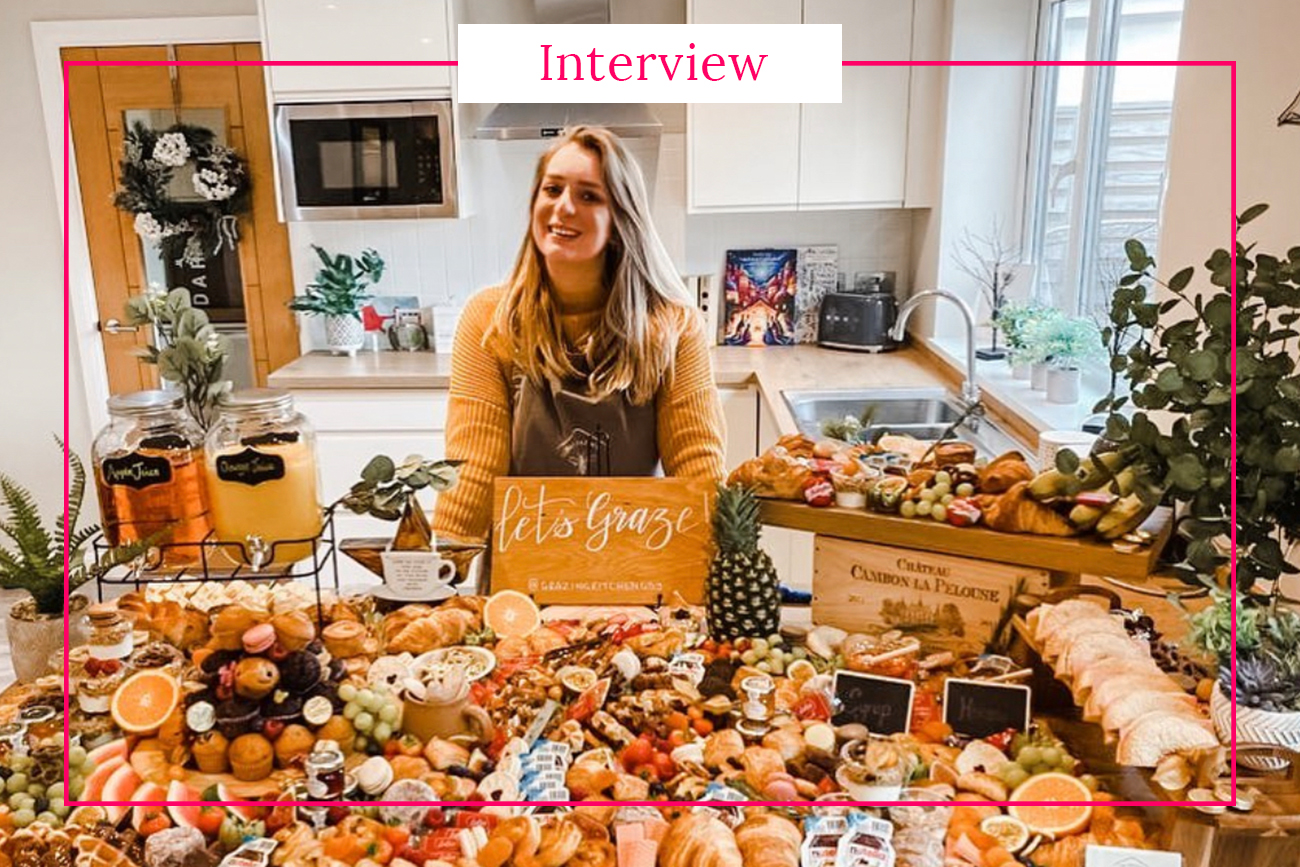
Interview with Cassie Arlotte – Owner of the Grazing Kitchen
In this interview we asked Cassie Arlotte - founder of The Grazing Kitchen - a few questions about her business and her favourite places in Guernsey. Cassie runs The Grazing Kitchen
-
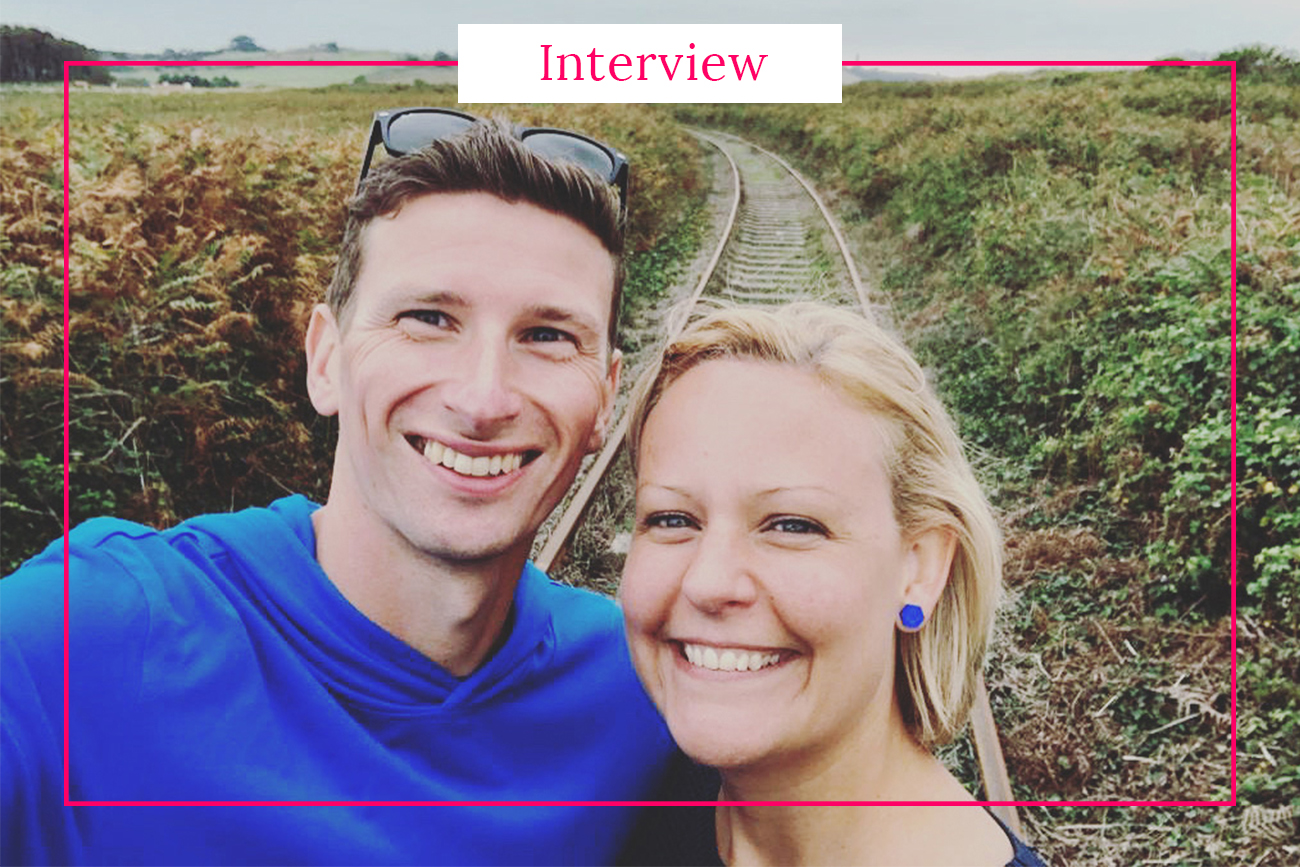
Interview with Catherine Woodhouse – Founder of Island Aura
In this interview we asked Catherine Woodhouse a few questions about her little fragrance business and why she fell in love with Alderney.
-
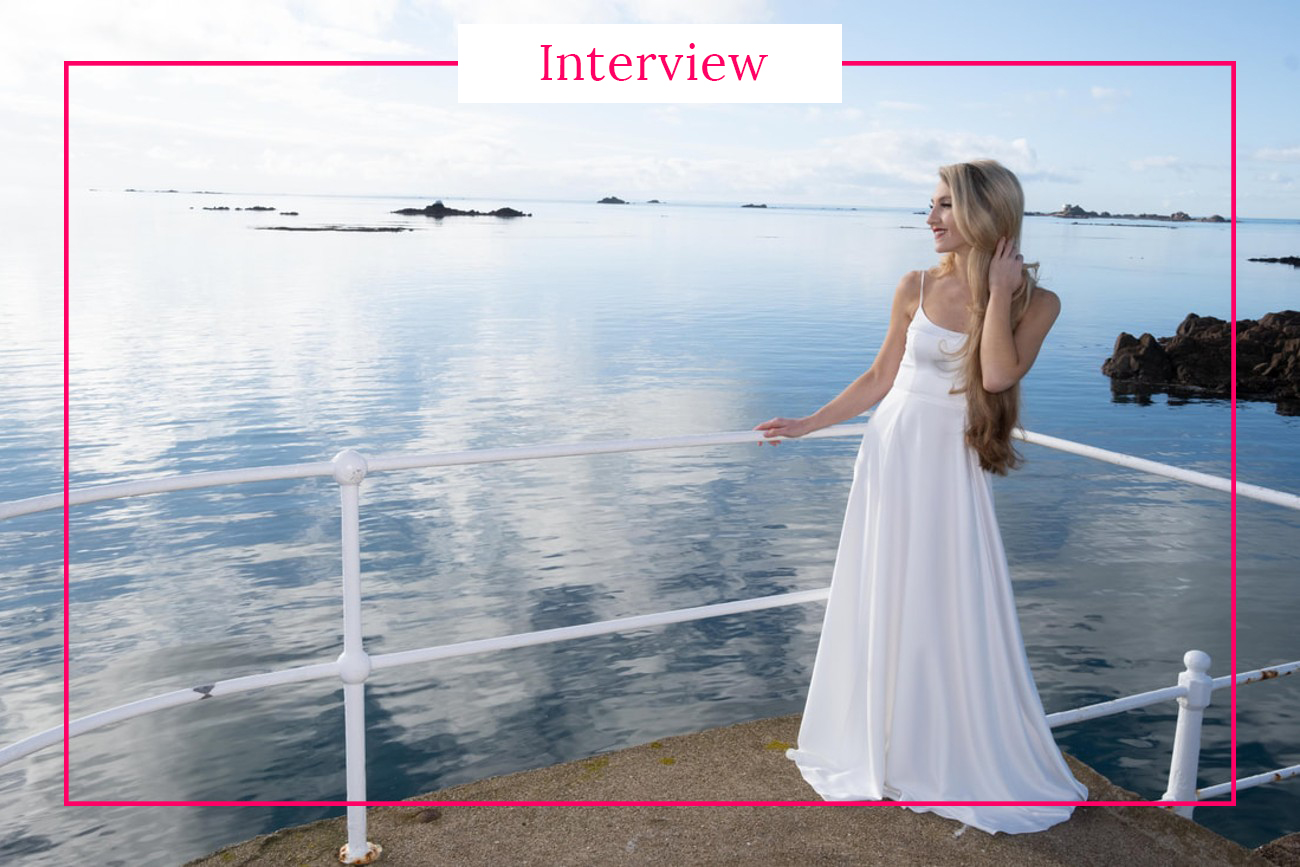
Interview with Georgi Mottram – Jersey born soprano
Georgi is a classical crossover soprano, Classic Brit Award Nominee and achieved No.1 in the iTunes Classical Charts in May 2021. Her work ranges from singing internationally, West End, performing with her girl
-
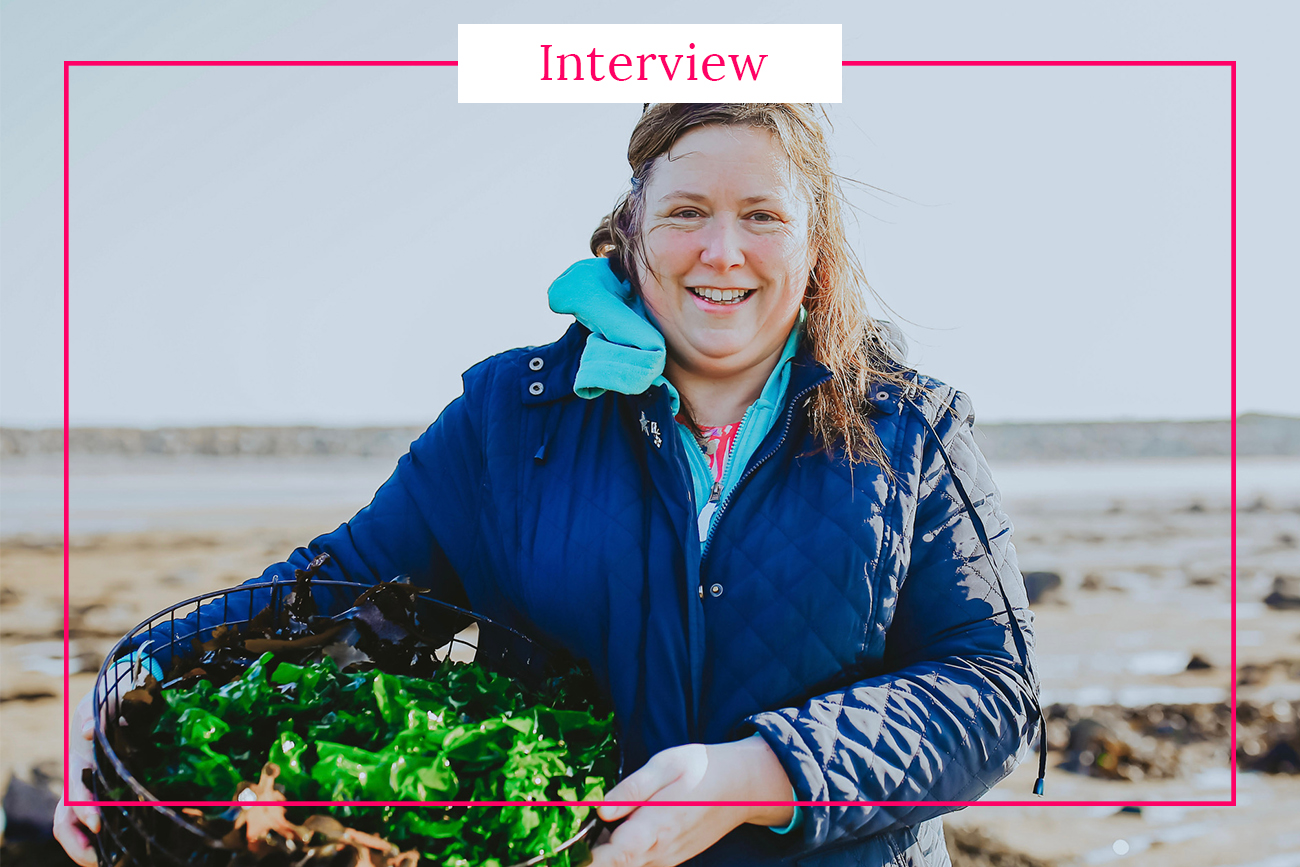
Interview with Naomi Tustin – Founder of The Seaweed Food Company
Naomi Tustin lives in Guernsey and together with her husband Ben runs their own business - The Seaweed Food Co. In this interview we asked about her seaweed business and her
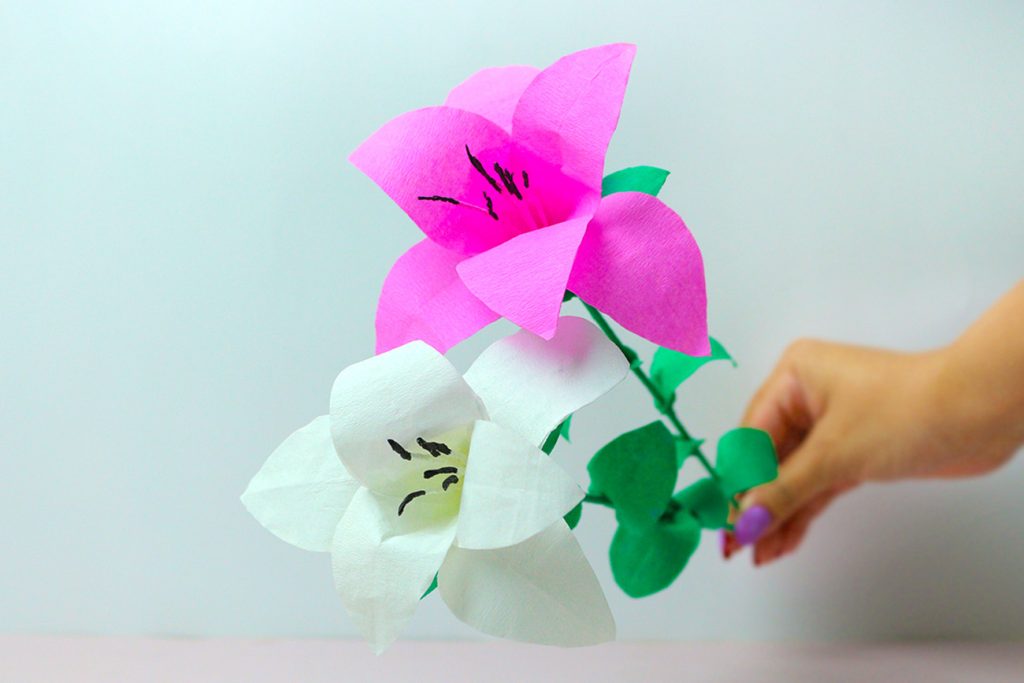
Crafting a Jersey Lily-Inspired Paper Flower
Would you like to enjoy more fun activities? Then don’t miss out on the following article: Seaside serenity craft-making paper lavender inspired by Alderney Related posts: Top 10 things to do in Jersey Is Guernsey the same as Jersey? 15 […]
Read furtherAs Seen On